Put your screens to work today
Turn the TVs you already own into signage that sells — new menus, offers and announcements, changed from your phone in seconds. No hardware to buy, no installer to book, no IT ticket. Your first screen is free forever.

What Screensync does for your business
Not a feature list. Six things that change on the day you switch.
Get your screens live today
No hardware to order, no box to wait for. Sign up, open a browser on the TV you already own, type a 6-digit code. Your first screen is showing your content in about three minutes.
Change every screen in seconds
New special? Cancelled class? Update it from your phone at the till, in the kitchen, or on the train home. The screen changes within seconds — no walking round with a USB stick.
Spend far less to run them
No media players to buy. No installation. No shipping. No replacing hardware every few years. You use the TVs you have, so the whole cost is a few euros per screen a month.
Stop making it an IT job
No SD cards to flash, no Raspberry Pi to configure, no installers, no support tickets. If a staff member can drag a photo onto a playlist, they can run your screens.
Sell more from the screens you already have
Promote the high-margin dish, fill the empty class, push the offer, sell the membership. A screen that pushes the right thing at the right moment pays for itself many times over.
Get a real person when you need help
Email Chris, the founder. He reads every message and replies personally — usually within minutes. No ticket queue, no L1→L2→L3, no bot. A human you can name.
Live in three minutes
No engineer, no waiting for a box in the post. Three steps and your screen is on.
Sign up free
No credit card. You're in and looking at your dashboard in under a minute.
Pair your screen
Open the browser on your TV, Fire TV or Android TV and type the 6-digit code from your dashboard.
Drag in your content
Photos, video, web pages, YouTube. Set it to change by time of day if you like. Done — it's live.

One extra sale a week covers the whole year
At around €4 a month per screen, the maths is simple. Upsell one dessert, fill one cancelled class, or sell one drink you'd otherwise have missed — and the screen has paid for itself. Everything after that is profit.
- Restaurants: promote the high-margin dish and add-on drinks
- Gyms: fill empty classes and advertise personal training
- Retail: push offers and cross-sells at the point of decision
Built for how your business makes money
The same simple tool, pointed at the result that matters to you.
Restaurants & cafés
Upsell desserts and drinks, push the high-margin dish, change the menu in seconds.
Gyms & studios
Fill cancelled classes, advertise PT, sell memberships on the screens members already watch.
Coworking
Drive event attendance and keep members in the loop across reception, lounges and rooms.
Retail
Promote offers and cross-sell at the point of decision, updated the moment a price changes.
Hotels
Welcome guests, surface amenities and events, and cut the questions at the front desk.
Offices & manufacturing
Keep every site aligned — announcements, KPIs and safety messages in one click.
Every screen, every site, from one place
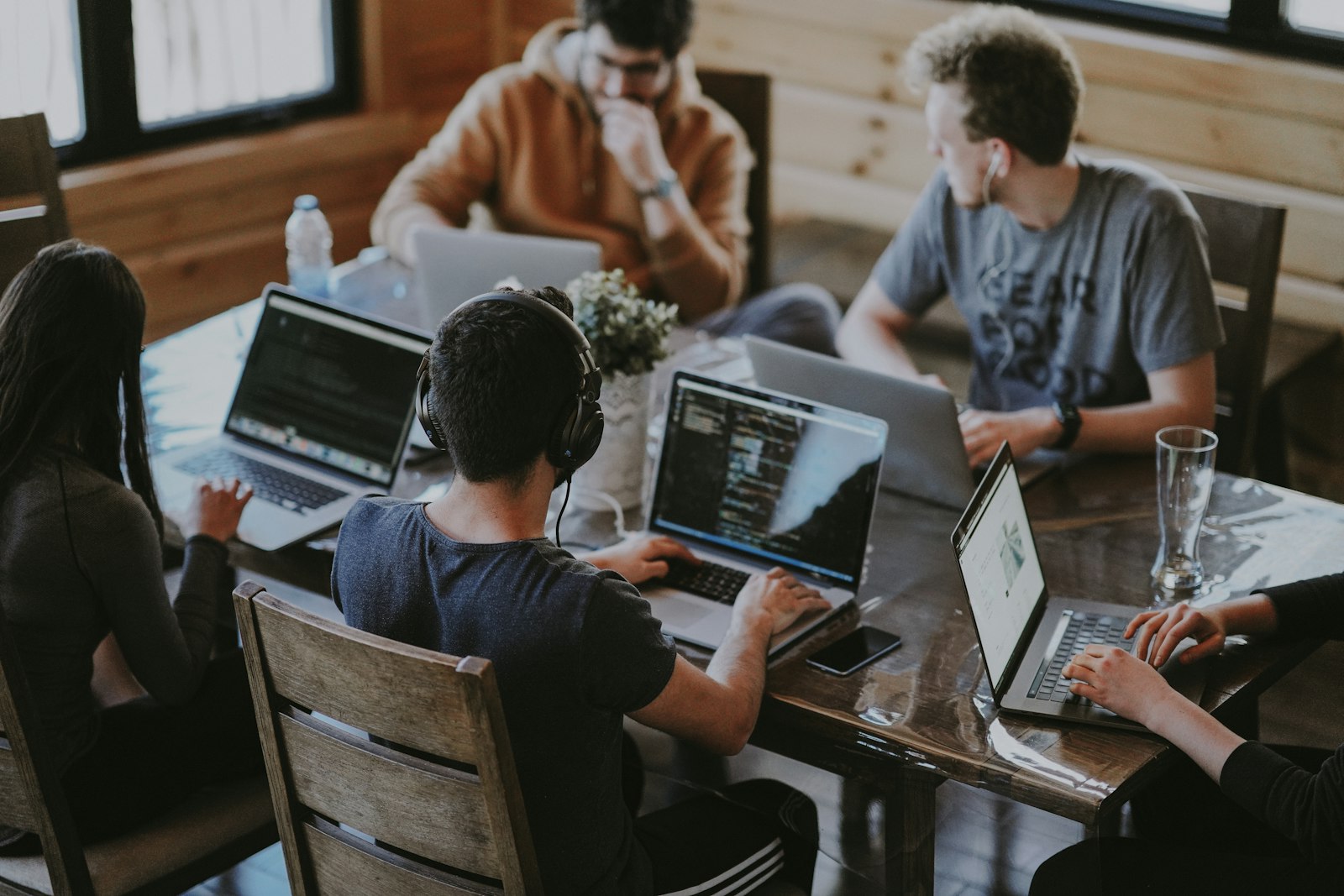
Reception, lounges, meeting rooms, hot-desks — update once and it lands on every screen in seconds. Fill your events, keep members in the loop, and add screens as you grow. The more you run, the less each one costs.
Screensync for coworkingWhat signage buyers say about other tools
“Initial setup with hardware (like Raspberry Pi) can be slightly technical for non-IT users.”
Screensync skips the hardware entirely — pair the TV you already own with a 6-digit code. Try it free →
One screen free. The rest from €4 a month.
One plan, every feature, billed annually at €48 a screen — and no hardware bill on top, ever. Volume pricing kicks in as you add screens.
Straight answers
Do I need to buy any hardware?
No. Screensync runs on the Android TV, Fire TV or browser you already own. If you don't have a smart TV, a £25 Fire TV Stick is all you'll ever need.
How long does setup take?
About three minutes. Sign up, open a browser on your screen, and type the 6-digit code from your dashboard. No installers, no cabling.
How much does it cost?
Your first screen is free forever. After that it's from €4 per screen a month (€48 a year), billed annually. Running 10+ screens? You get volume pricing.
Can non-technical staff use it?
Yes — that's the point. No SD cards, no IT tickets. If someone can drag a file into a folder, they can update your screens.
What if I get stuck?
Email Chris, the founder. You get a real reply from a real person, usually within minutes — not a ticket number.
Can I try it before I pay?
Yes. Every feature is free for 14 days, no card required. After that, keep one screen running for free forever.
Put a screen live tonight
Free for 14 days, no card. Then keep your first screen free forever. Nothing to install, nothing to wait for.